Divide the work into panes.
Split, focus, grow, equalize, and zoom terminal spaces while each pane keeps its own live shell.
Native terminal workspace for Mac
baia keeps terminals, projects, files, and agent activity together in one native workspace.
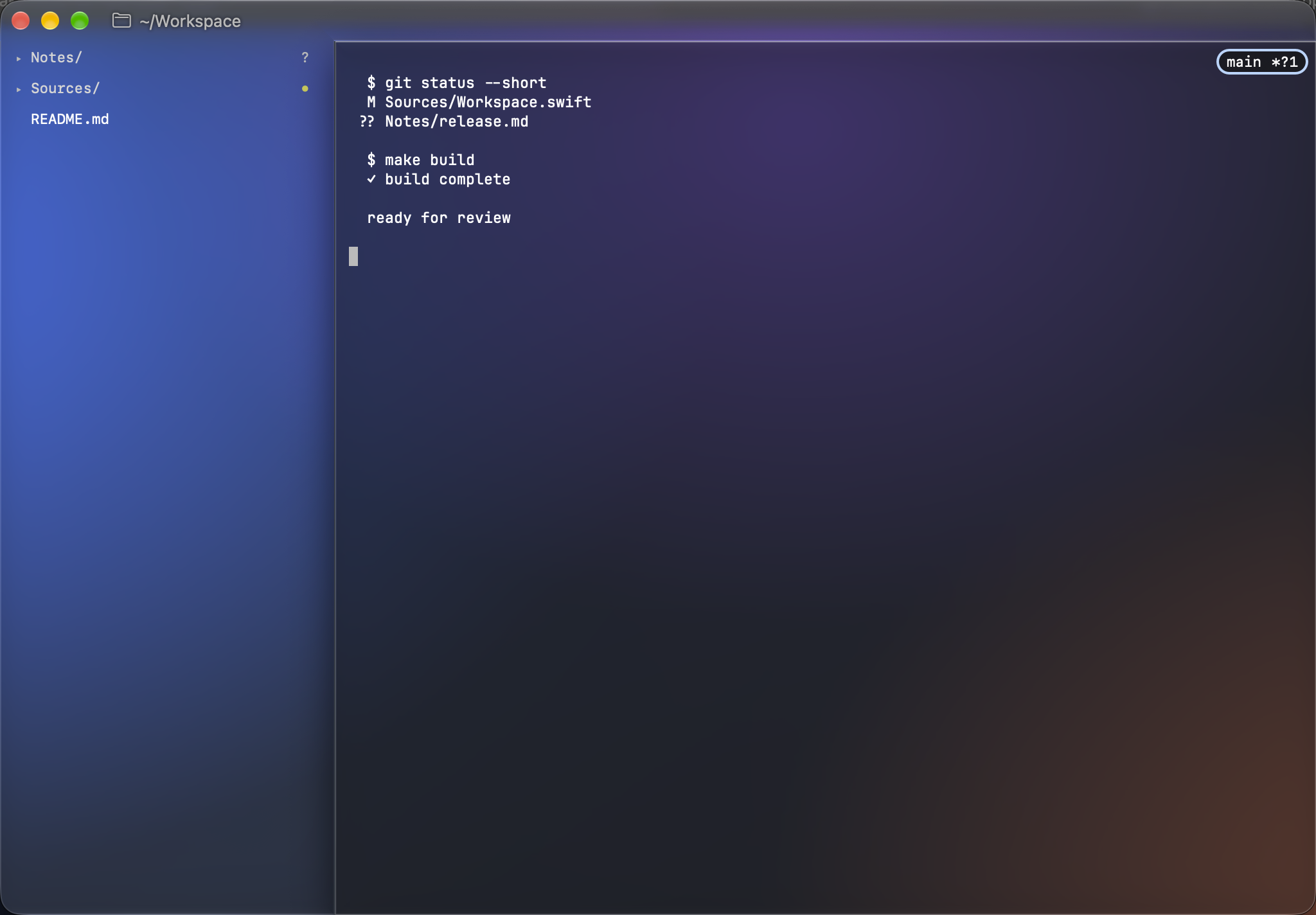
Split the work without losing the thread. baia keeps each pane attached to its project, working set, and current state.
Move between terminal output, project files, changes, and commands without assembling a workspace from separate windows.
Split, focus, grow, equalize, and zoom terminal spaces while each pane keeps its own live shell.
The Files sidebar, Git changes, recent projects, and workspace commands stay with the window where the work happens.
Attention states and native notifications show what is waiting or done without taking over the terminal.
AppKitbaia owns its windows, tabs, menus, keyboard commands, notifications, appearance, and workspace UI.
Ghosttybaia embeds Ghostty’s terminal engine through Lakr233/libghostty-spm and supplies the workspace around each terminal surface.
SessionWindow groups, tabs, split panes, and project context can return after quit and launch.
baia is in active development. A public build is not available yet.
Coming soon · Requires macOS 26 or later